Ratibi Card Salary Check – [2026 Guide]
A Ratibi card salary check is one of the most common needs for payroll cardholders in the UAE, especially for employees who do not have a bank account, have limited internet access, or are unsure what details like a “Card ID” mean.
Most of the Ratibi cardholders want just one thing, a fast and reliable way to check their salary balance. The official PPC online portal usually shows balance details within seconds, while SMS balance inquiries may take longer during peak salary periods. When users see an unexpected or “wrong” balance, it is almost always due to pending card transactions or WPS salary processing timelines, not a technical error.
In this guide I will explain all official and legitimate ways to check your Ratibi card balance in the UAE.
What Is a Ratibi Card and Who Uses It?
The Ratibi Card is a FAB issued prepaid payroll card designed primarily for employees who do not hold a traditional bank account. It is widely used by companies paying salaries under the UAE Wage Protection System (WPS).
Unlike a savings or current account, Ratibi is not a bank account. It is a reloadable prepaid card that receives salary credits and allows:
Key benefits
Availability of features depends on the employer configuration, card type, and security settings. Services may change over time.
06 Easy Methods Ratibi Card Salary Check
|
Method |
Internet Needed |
Speed |
Best For |
|---|---|---|---|
|
Yes |
Fast |
Official online balance check |
|
|
Yes |
Real-time |
Linked & eligible cards |
|
|
Yes |
Fast |
If supported/linked |
|
|
SMS 2121 |
No |
Medium |
No internet access |
|
No |
Instant |
On-the-go checks |
|
|
No |
Slower |
Errors, missing Card ID |
Method 1 — Ratibi Balance Check Online (PPC / Magnati Portal)
The most reliable official online method for a FAB Ratibi balance check is the Prepaid Card Inquiry (PPC) portal, operated by Magnati on behalf of FAB.
FAB may update URLs or access paths, so users should always follow links from FAB’s official Ratibi or prepaid card pages when possible.
What You Need
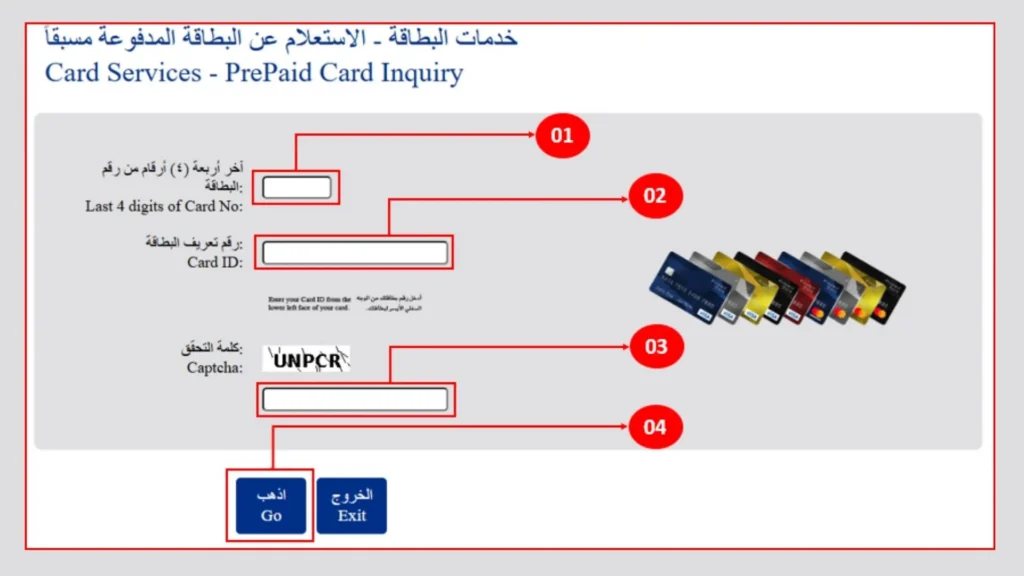
Step-by-Step
In real usage, the portal typically responds quickly unless there is heavy traffic (salary days) or scheduled maintenance.
Where to Find Card ID (Very Important)
Many users struggle with this part.
Your Card ID is:
You can usually find it:
If You Lost or Never Received the Card ID
Common Portal Errors & Fixes
|
Error |
Why It Happens |
What To Do |
|---|---|---|
|
Captcha not loading |
Browser or network issue |
Refresh, change browser |
|
Invalid card details |
Wrong digits entered |
Re-check required digits |
|
Card locked |
Too many failed attempts |
Wait or contact FAB |
|
Page not opening |
Maintenance/outage |
Try later via FAB site |
Method 2 — Ratibi Balance Check via Payit (Real-time)
Payit is FAB’s digital wallet. Some Ratibi cards can be linked to Payit for real-time balance viewing and payments.
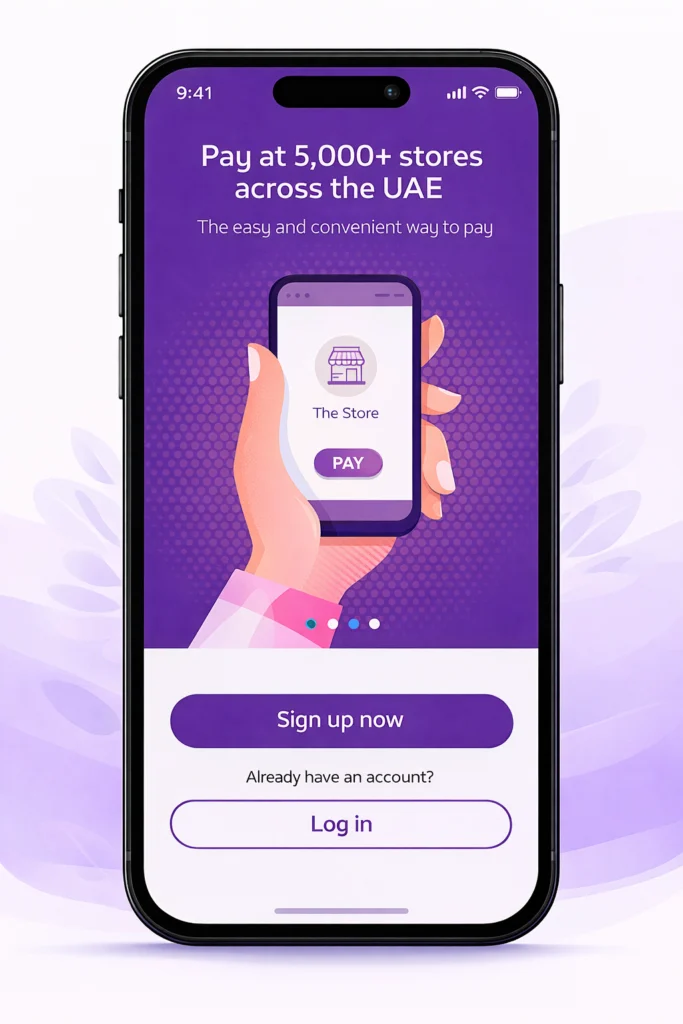
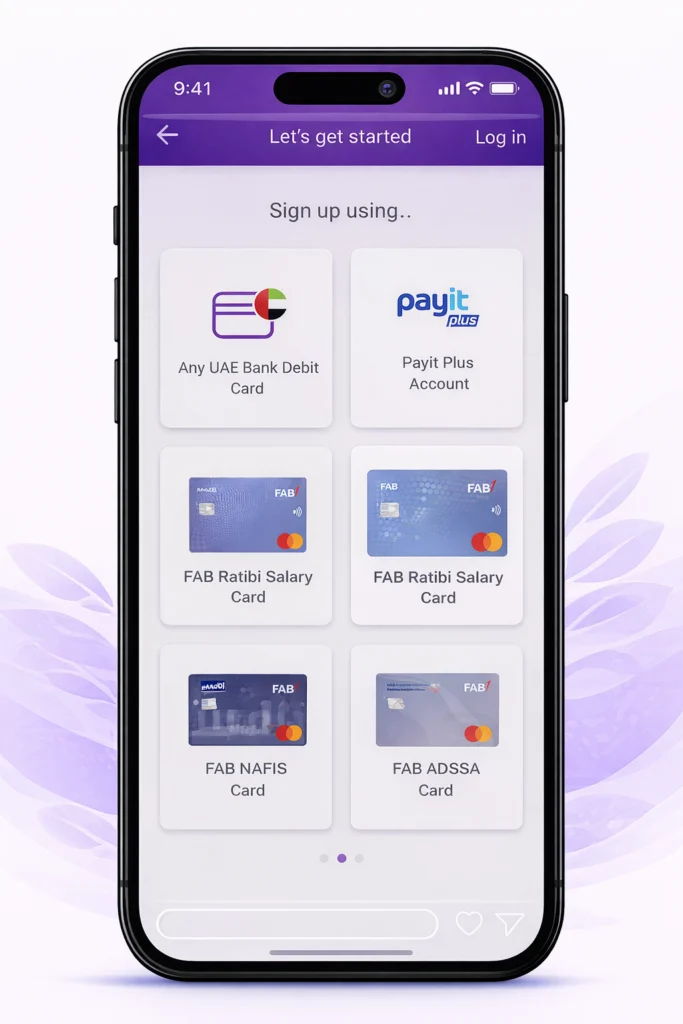
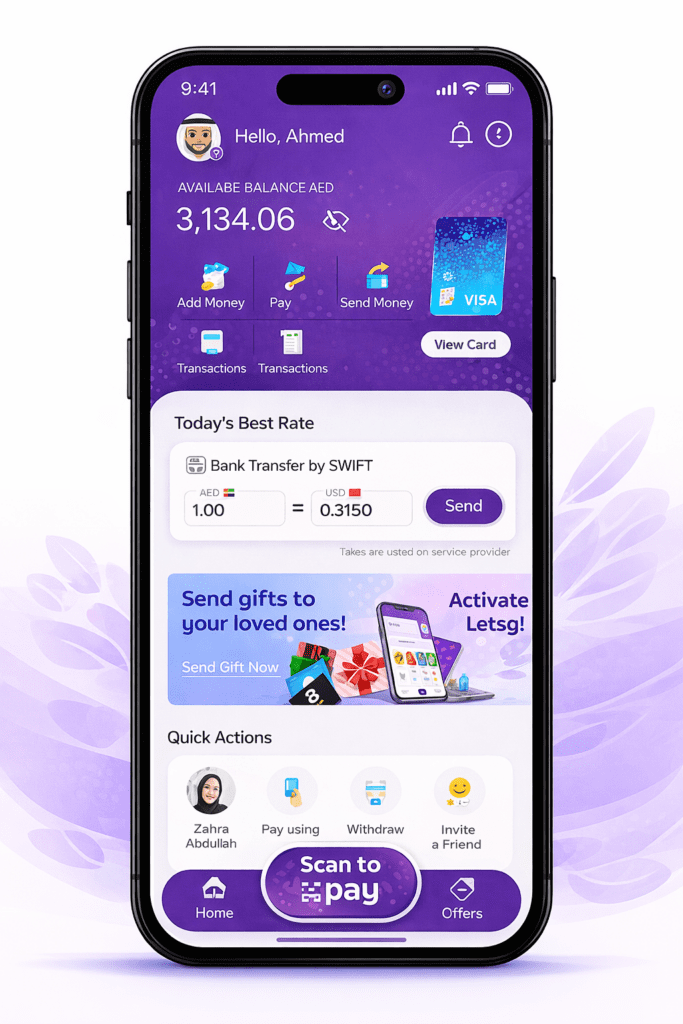
Step-by-Step
you can pay at any supermarket or store which supports Apple pay/Google Pay, as FAB allows you to connect your FAB card with Apple Pay or Google Pay.
Important Disclaimer
Method 3 — Ratibi Balance Check via FAB Mobile App (if supported/linked)
The FAB Mobile app supports many FAB products, but Ratibi card visibility depends on card type.
Step-by-Step
Many users cannot see Ratibi cards in the app. This is normal and depends on backend configuration.
Method 4 — Ratibi Balance Check via SMS (2121)
SMS balance inquiry is popular for users without internet access.
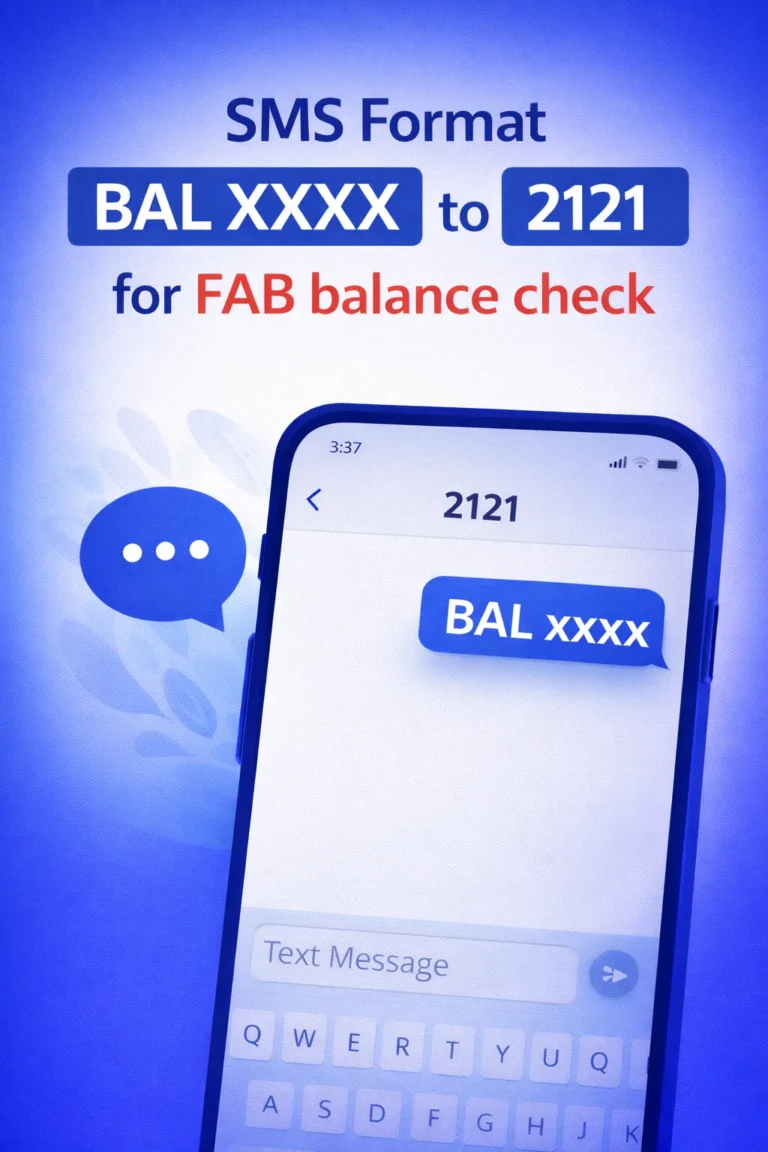
SMS Format + Steps
- Send the
Disclaimers
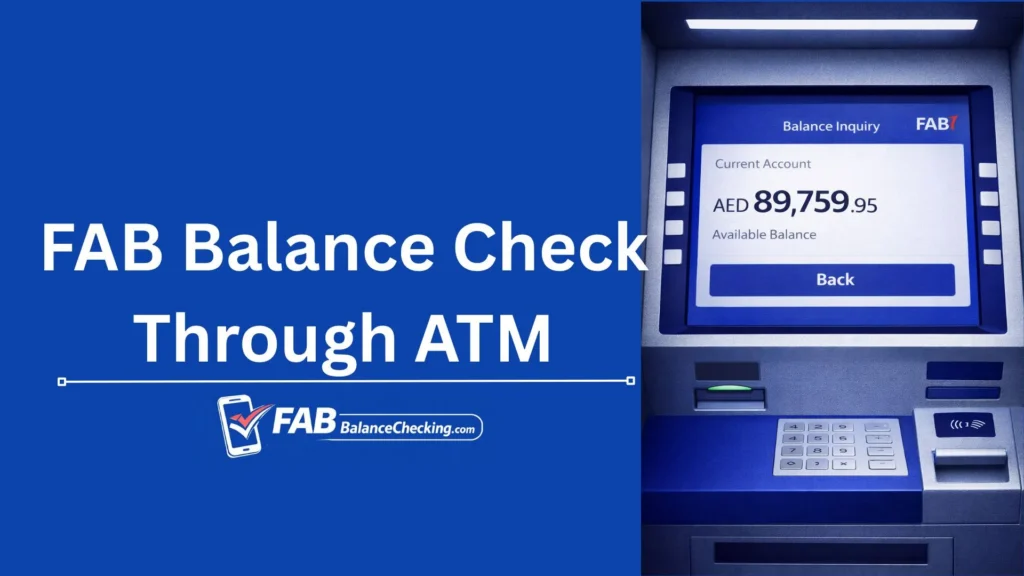
Method 5 — Ratibi Balance Check at ATM (No Internet)
ATMs remain the most dependable offline method.
Step-by-Step
Some ATMs show balance on screen only and do not print it.
Method 6 — Ratibi Balance Check by Phone (Customer Support)
If all self-service options fail, contact FAB Customer Support.
What You’ll Need
FAB agents can:
Product-specific support flows may vary, and additional verification is normal for security.
Why Your Ratibi Balance Looks “Wrong”
In most cases, the balance is correct, but appears confusing due to:
1. Pending Card Transactions
2. Salary Processing Timing
3. ATM Holds & Fees
4. Security Blocks
From experience, pending items are the most common cause of perceived errors.
Security Tips (Very Important)
Frequently Asked Questions
Conclusion
For a reliable Ratibi balance check, start with the official PPC (Magnati) portal, then use ATM or SMS when offline. Apps like Payit or FAB Mobile are useful when supported, but availability varies by card and employer.

Omar Suleman
A UAE banking & digital payments researcher (8+ years)
Hi, Omar is here, your banking and digital payments guide. I’m analyzing how UAE banks implement mobile banking, SMS banking, prepaid payroll cards (including Ratibi), and wallet ecosystems, with a focus on customer experience, security controls, and real-world usability across FAB and other major UAE banking platforms.