
FAB Card Apple Pay – How to Add, Use & Pay Faster in UAE
Apple Pay has become one of the fastest, safest, and most convenient ways to pay in the UAE whether you’re using an iPhone, Apple Watch, iPad, or Mac. First Abu Dhabi Bank (FAB) supports Apple Pay across multiple card types, allowing users to enjoy secure, contactless payments anywhere Apple Pay is accepted.
🟩 What Is Apple Pay & How It Works with FAB?
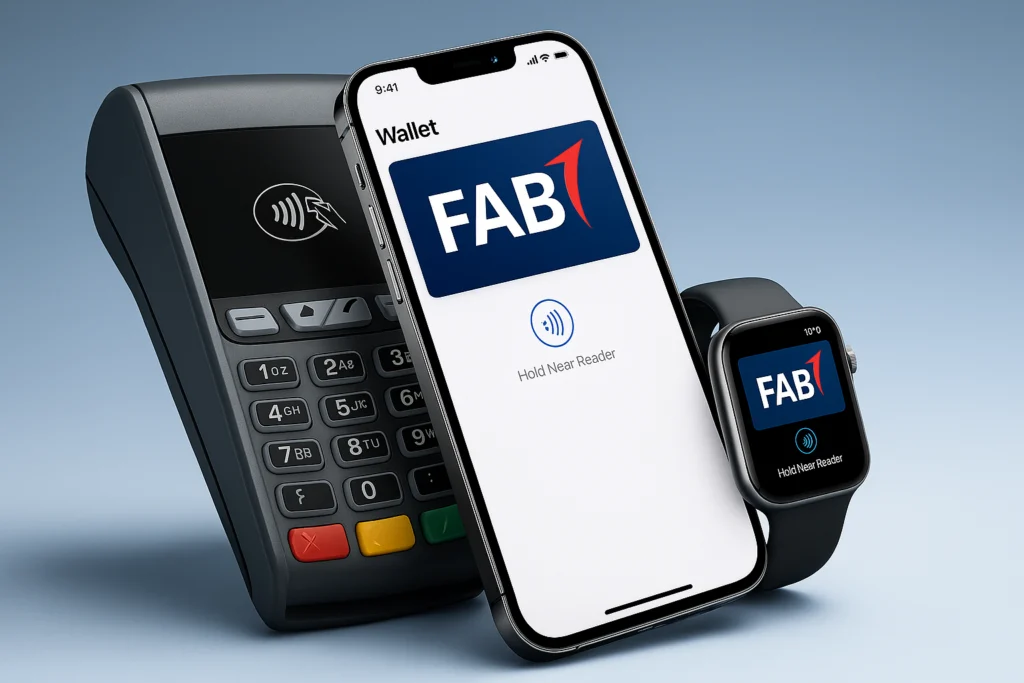
Apple Pay is a digital wallet and mobile payment service that lets you pay using compatible Apple devices instead of a physical card.
When you add your FAB card to Apple Pay, your actual card number is never shared with merchants. Each payment is authorized using Face ID, Touch ID, or a secure device passcode, making transactions fast and highly secure for UAE users.
🟩 Benefits of Using Fab Card with Apple Pay (UAE)
🟩 How to Add Your FAB Card to Apple Pay
Adding your FAB card to Apple Pay takes only a few minutes.
📱 Add Your FAB Card on iPhone
⌚ Add on Apple Watch
Once verified, your FAB card is ready to use with Apple Pay.
🟦 How to Pay with Apple Pay (FAB Card)
Pay in Stores
Pay Online or in Apps
💻 Add on iPad or Mac
Payments are completed instantly without sharing your card number.
Is Apple Pay Safe to Use with FAB?
Yes. Apple Pay uses tokenization, biometric authentication, and a secure device element, while FAB provides real-time transaction alerts and fraud monitoring. Your actual card number is never shared with merchants.
FAB follows UAE banking regulations and international payment security standards to ensure safe digital transactions.
Which FAB Cards Support Apple Pay?
FAB states that FAB debit and credit cards can be added to Apple Pay. The UAE’s Apple Pay bank participation list includes First Abu Dhabi Bank among supported issuers.
Where Can You Use Apple Pay with FAB?
You can use Apple Pay with your FAB card:
Look for the Apple Pay or contactless payment symbol.
Common Apple Pay Issues with FAB Cards
Card not adding to Apple Pay?
Ensure your FAB card is active and your registered mobile number can receive OTPs.
Payment declined?
Check internet connectivity and confirm Face ID or Touch ID is enabled.
Changed your Apple device?
You must re-add your FAB card to Apple Pay on the new device.
Frequently Asked Questions
Conclusion
If you’re a First Abu Dhabi Bank customer using an Apple device, adding your FAB card to Apple Pay is one of the easiest ways to enjoy faster, safer, and contactless payments, everywhere Apple Pay is accepted.

Omar Suleman
A UAE banking & digital payments researcher (8+ years)
Hi, Omar is here, your banking and digital payments guide. I’m analyzing how UAE banks implement mobile banking, SMS banking, prepaid payroll cards (including Ratibi), and wallet ecosystems, with a focus on customer experience, security controls, and real-world usability across FAB and other major UAE banking platforms.